To connect with other users:
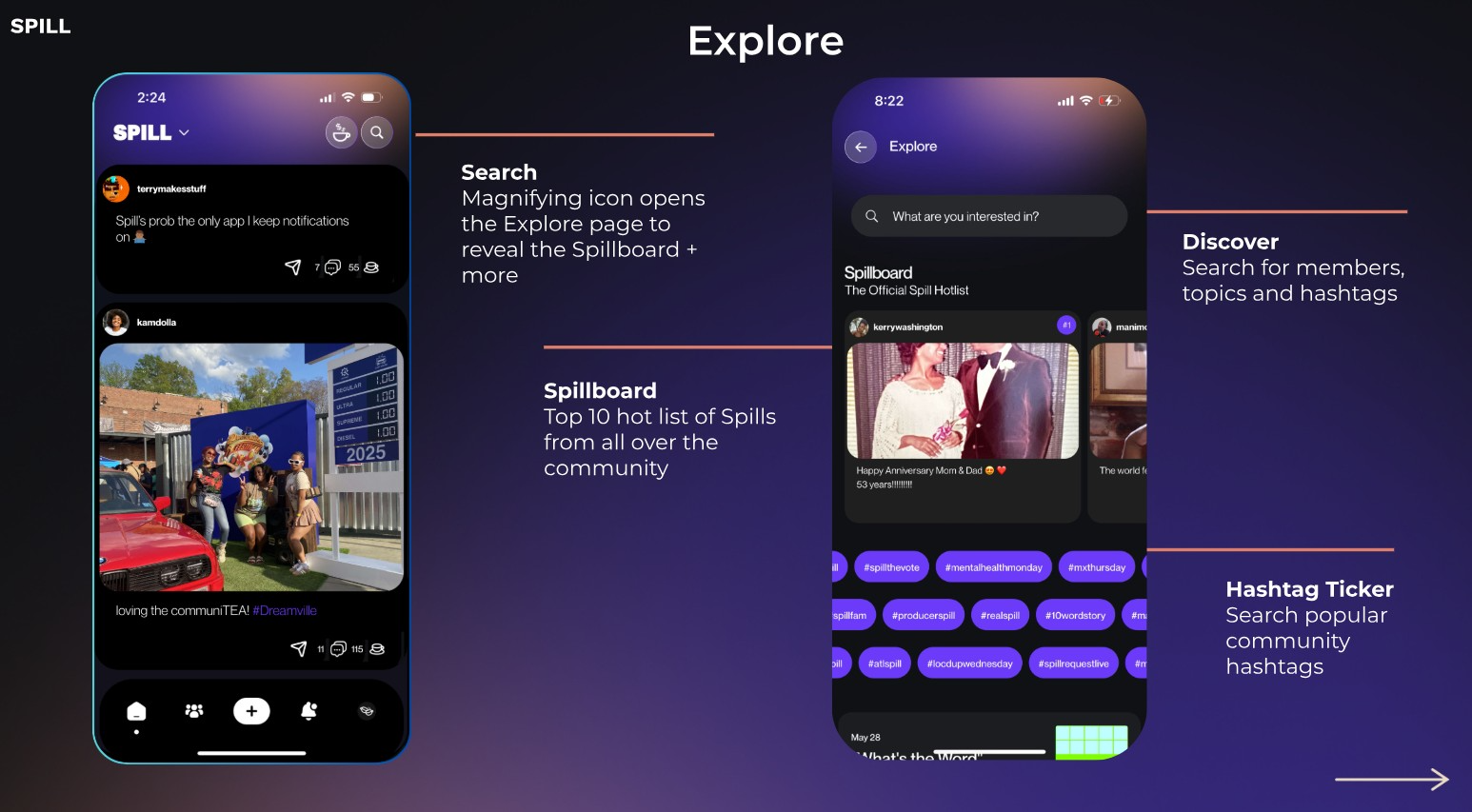
1. Tap on their handle (username) within the SPILL feed, or use the Search button in the upper navigation to find them.
2. On their profile, tap the ➕ Follow button (top-right of their profile).
Once you follow them, you’ll immediately start seeing their SPILLs in your feed!
How to View Your Followers and Following
Want to see who’s following you on SPILL and who you’re following back? Here’s how:
Open the SPILL app.
Go to your Profile.
Tap on My People.
From here, you’ll see two sections:
Following – the list of people you follow.
Followers – the list of people who follow you.
That’s it! ? With just a couple of taps, you can keep track of your community and connections on SPILL.
Was this article helpful?
That’s Great!
Thank you for your feedback
Sorry! We couldn't be helpful
Thank you for your feedback
Feedback sent
We appreciate your effort and will try to fix the article