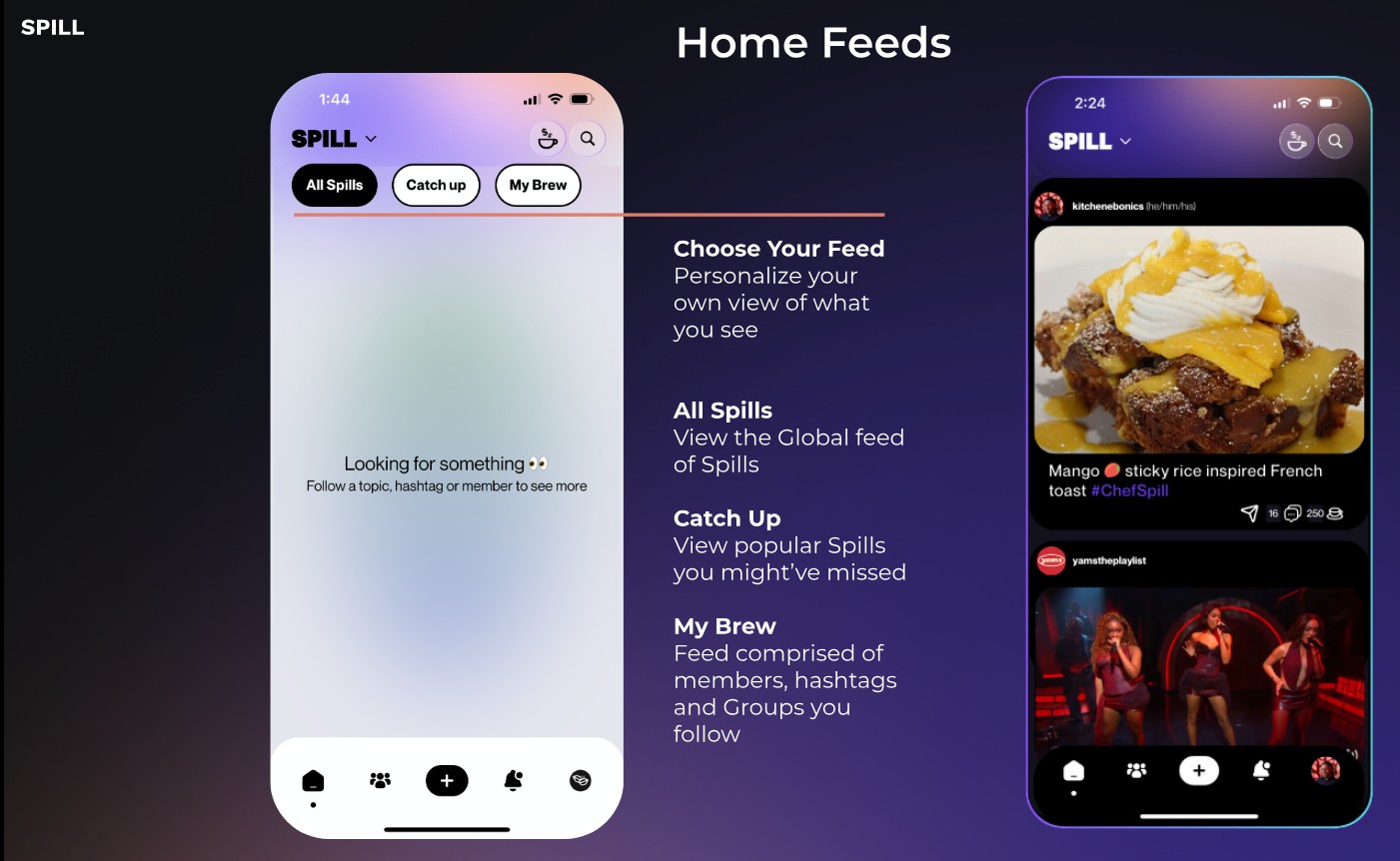
Tap the dropdown beside the SPILL logo to switch between three feed views:
- All Spills
- Catch Up (Trending Spills)
- My Brew (Spills from people you follow)
You can also curate your feed by following members and tapping the teacup icon to like Spills.
Was this article helpful?
That’s Great!
Thank you for your feedback
Sorry! We couldn't be helpful
Thank you for your feedback
Feedback sent
We appreciate your effort and will try to fix the article